
Using the display
The display is made for the child: big covers, little text, everything with a single tap. This chapter describes what is on the display and how to use…
The display is made for the child: big covers, little text, everything with a single tap. This chapter describes what is on the display and how to use it. Parents set all of this up in the app.
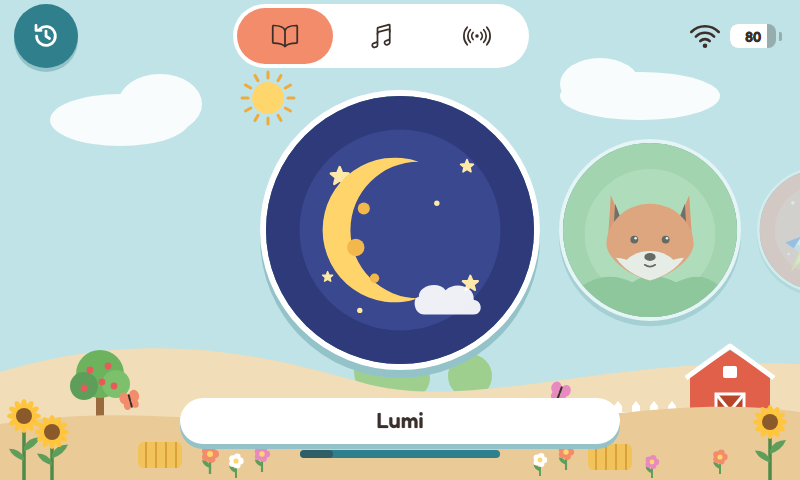
The start page with Cover Flow
- The start page: tabs, how the covers are arranged and the Resume list.
- The player: play, skip, track list, output device.
- Continue and “Now playing”: carry on listening where you left off.
- Covers and themes: how the box looks and where the covers come from.
- Settings on the display: Wi-Fi, Bluetooth, restart and the QR code for the app, right on the box.