
Kids apps – piano, games, colouring book
Enable the local kids apps of MuPiBox – a piano with learning songs, a sound memory game and a colouring book, all offline on the box.
MuPiBox includes three small apps that run directly on the box without internet. Enable them under Content & Services → Providers & Services and then add them as a tile under Media & categories.
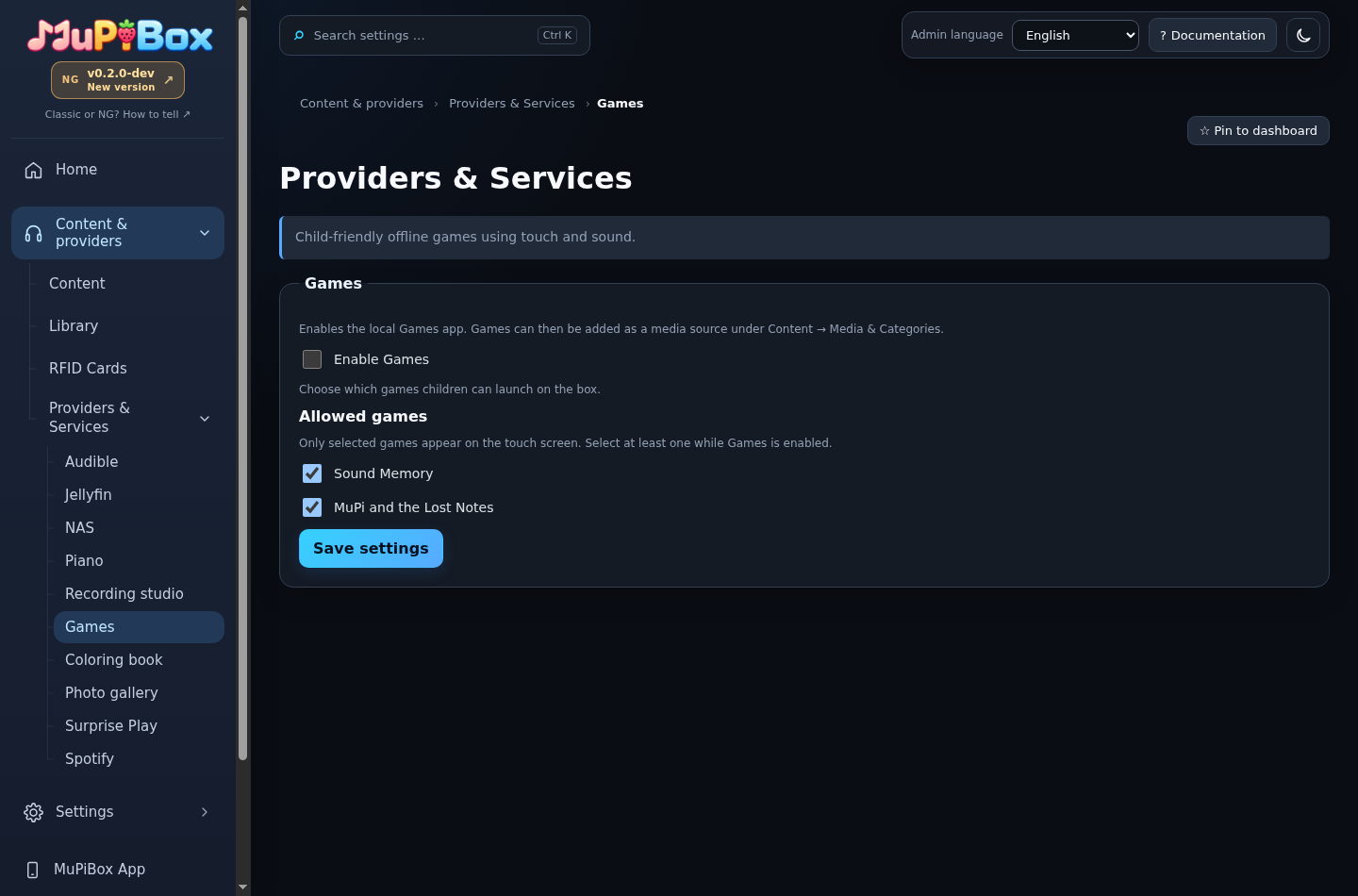
Example: configuration for the Games service. The actual children’s apps run on the touchscreen.
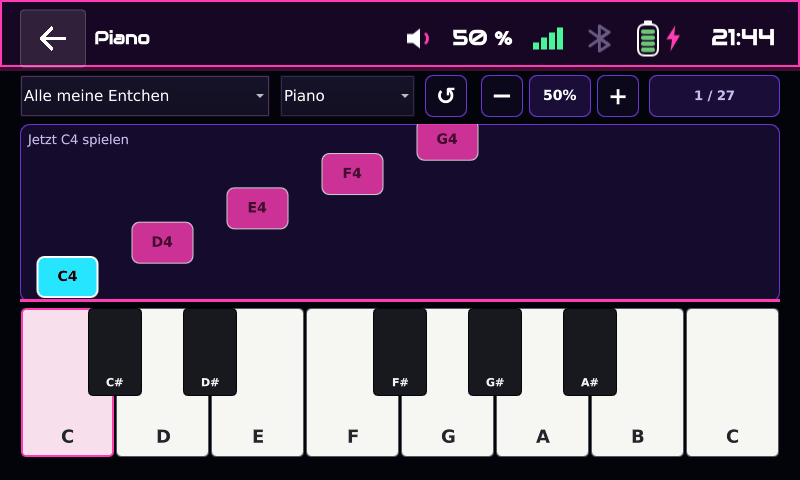
Piano
A piano for free play and with learning songs. Seven short instrument sounds from piano to harp. The notes play through the box's selected audio output.
Games
Child-friendly games that work offline:
- Sound memory with growing sequences of tones, played by touch.
- MuPi & the Lost Notes, a platform game for a Bluetooth or USB controller – see MuPi game.
Allow individual games: Open Content & Services → Providers & Services → Games, enable the Games app, then choose which titles children may launch under Allowed games. Disallowed games disappear from the touch menu, while a single allowed game is centred. Existing boxes initially keep both games allowed. The Games master switch hides the entire app. At least one game must be selected while the app is enabled.
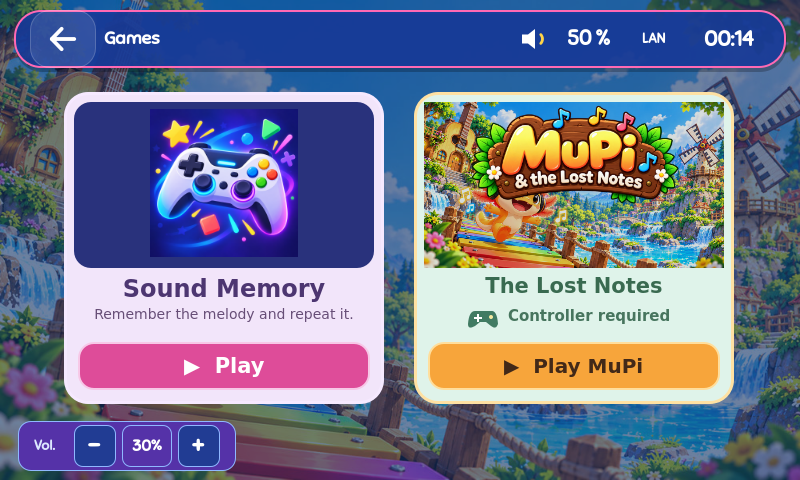
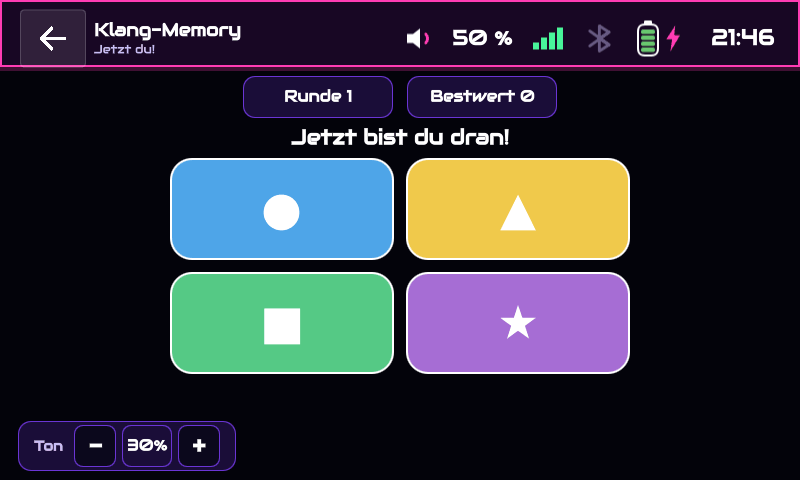
Real captures of a MuPiBox NG 0.2.0-alpha.1 with a 5-inch display (800 × 480). Covers © their respective rights holders.
Colouring book
Free painting with colours and brush sizes plus four simple templates: car, house, sun with clouds, and dog.
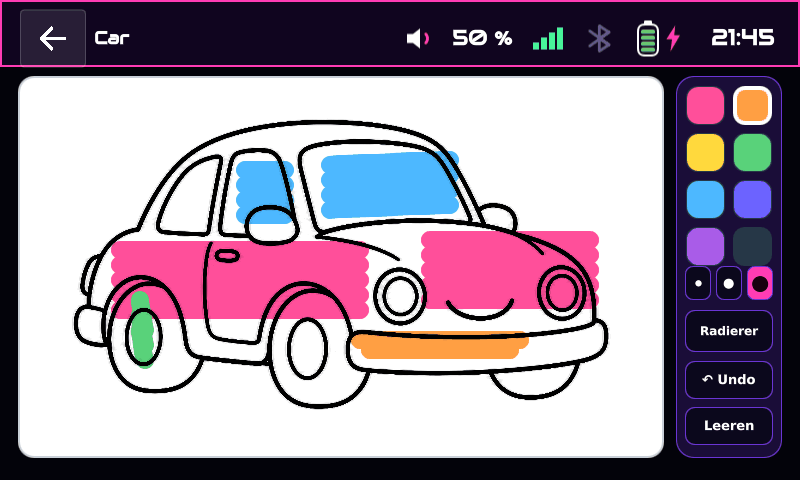
Add your own colouring pages
- Enable the Samba share under Connections & Security → Network → File sharing in the administration interface. See File sharing.
- On Windows, open
\\<boxname>\MuPiBoxin File Explorer (or\\<IP>\MuPiBox). The share name can be changed in settings. - Open
coloringpages(on the box:/srv/mupibox/coloringpages) and copy your images there. PNG, JPG and JPEG are supported. High-contrast black-and-white outlines on white backgrounds, ideally in landscape format such as 800 × 400 pixels, work best. - Reopen the Colouring book on the touchscreen. The new templates are discovered automatically, without a restart or library scan.
Filenames become the displayed titles. Place images directly in coloringpages, not in subfolders. coloring.png is reserved for the colouring book cover and is not offered as a page. Each file may be at most 32 MB and 20 megapixels.
Built-in pages and updates
The four bundled pages — car, house, sun with clouds and dog — are installed automatically on fresh installations and added after updates only if missing. Existing or modified images are never overwritten or deleted.
Backup: Colouring pages are outside music and are not included in the regular media backup. Back up your own templates separately via File sharing.
Notes
- The button sound is off in piano, games and colouring book so it does not disturb the notes.
- Parental control can block each app separately.
- The apps do not count as playback; the "When nothing plays" sequence applies to them. Every touch in the app – piano key, game pad, brush stroke – resets the idle time, though. Screensaver, standby and switching off therefore only start when the app has really not been used for a while.
Community apps / plugins (developer preview)
Under Providers & Services → Community apps / plugins, you can install additional Web/WebAssembly games as .mupiapp packages. Inspect the package, approve its requested permissions, enable or disable individual apps and uninstall them without losing saved progress. An Admin password is required.
Note: Community apps can currently launch only in an Admin browser tab. Native Qt touchscreen integration is not yet available. Install only packages you trust. SDK and Tic Tac Toe example: MuPiBox-NG-Plugins on GitHub. All existing games, including MuPi and the Lost Notes, remain unchanged.